


Why use Klick3D PRO Browser Based Walk-Throughs?
Give your clients the full Unreal Engine experience without cloud hosting, pixel streaming or high-end computers.
Every studio knows the frustration:
You build stunning interactive scenes…
…but clients can’t open them.
Their computer struggles.
Firewalls block EXEs.
Streaming platforms lag.
Cloud computing is expensive.
Third party sharing has setup & account friction.
Approvals can drag out for weeks.
Your best work never gets seen the way it was meant to be seen and experienced in real time.
Video presentation - click to play
"Klick3D turns your existing Unreal Engine assets into an instant, low-friction, browser-based client experience - remaining in the Unreal Engine development pipeline - try it for yourself right now below"
HOW IT WORKS
KLICK3D BOSS (Browser Optimisation Software Suite) is our proprietary conversion and optimisation pipeline — developed over four years — designed specifically to prepare Unreal Engine projects for high-performance delivery inside a standard web browser.
Our scenes and models are all hand built, KLICK3D BOSS is not 360° Photography, AR/VR or AI generated and does not require 3rd party software or special viewer to make 3D available to your clients and associates.
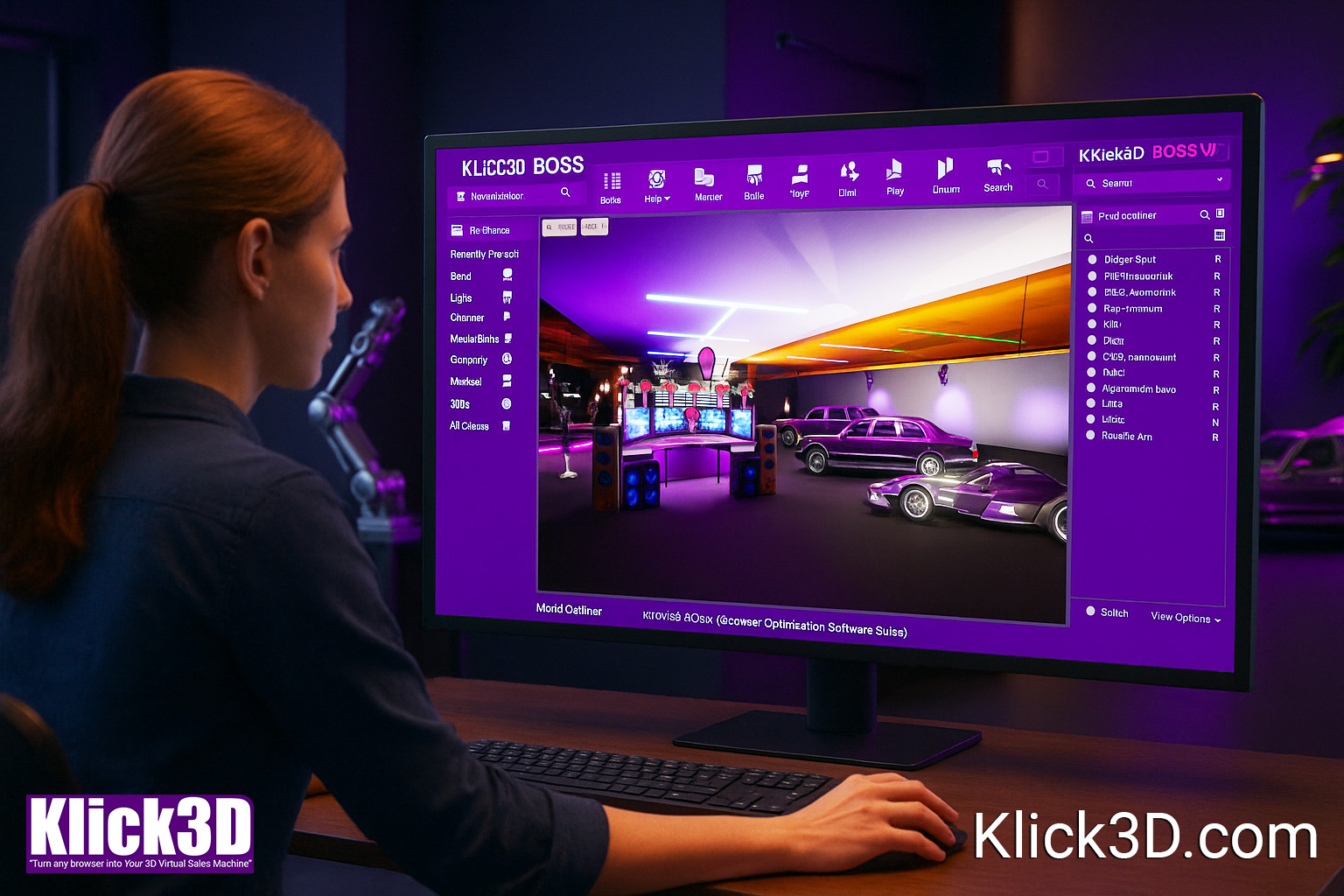
KLICK3D BOSS transforms your UE assets into a lightweight, browser-ready experience through our proprietary optimisation process — then we deploy it as a simple link your clients can open instantly.
Live Example - Real-Time 3D Tour Running Directly in a Browser
This demo shows an interactive block of 100SQM apartments at different construction stages — fully explorable in real-time.
Keyboard Controls

Click with Mouse
for 360° control
Use Button below
for Full Screen
Esc or Tab to
Exit Full Screen

This is the same Unreal Engine pipeline studios already use - simply delivered through a browser instead of GPU streaming. This demo is designed for Desktop & Laptop browsers, Mobile browser hosting is available on request.
Average file size 70Mb to 150Mb - Average load time 5 to 15 seconds subject to connection speed & computer specs

Here are links to more 3D examples
We are constantly upgrading and increasing the number of 3D example experiences, here are a few to give you other perspectives and ideas. Feel free to request other example scenes or demonstrations.
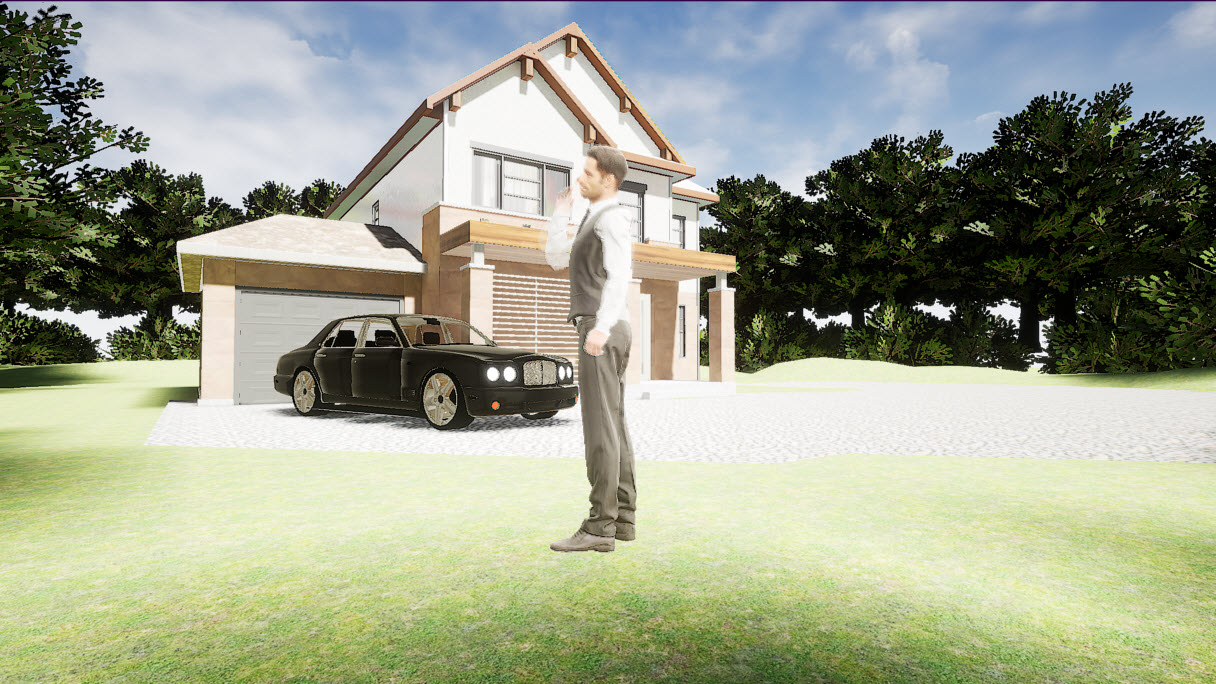
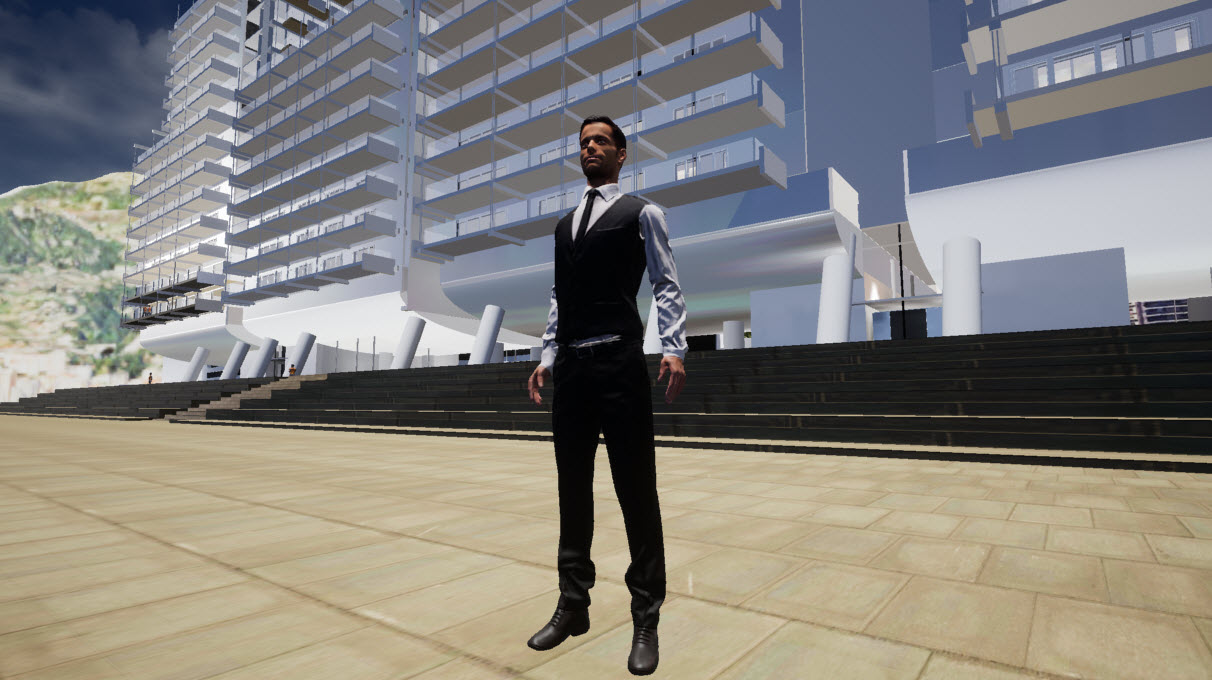
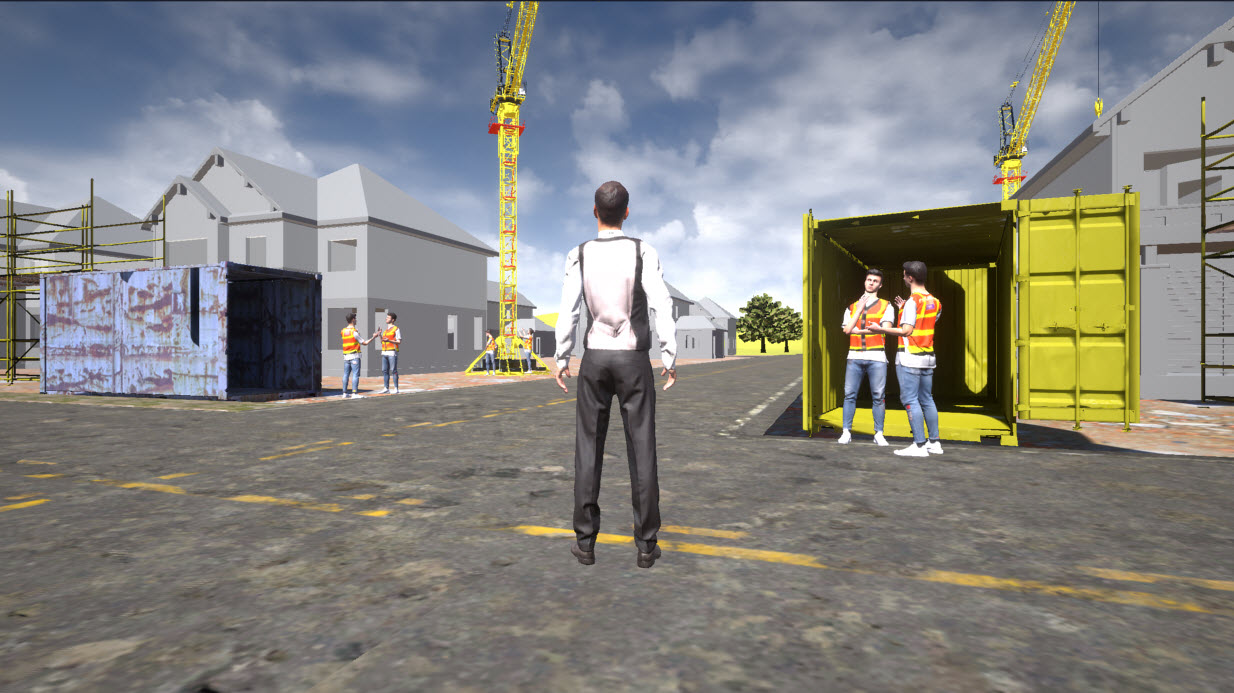

Klick3D lets studios deliver real Unreal Engine experiences without GPU streaming, cloud servers, or technical barriers — keeping the full pipeline under your control.
Live Example - Real-Time 3D Tour Running Directly in a Browser
This demo shows an interactive block of 100SQM apartments at different construction stages — fully explorable in real-time.
Keyboard Controls
Click with Mouse
for 360° control
Use Button below
for Full Screen
Esc or Tab to
Exit Full Screen
This is the same Unreal Engine pipeline studios already use - simply delivered through a browser instead of GPU streaming. This demo is designed for Desktop & Laptop browsers, Mobile browser hosting is available on request.
Average file size 70Mb to 150Mb - Average load time 5 to 15 seconds subject to connection speed & computer specs
USE CASES

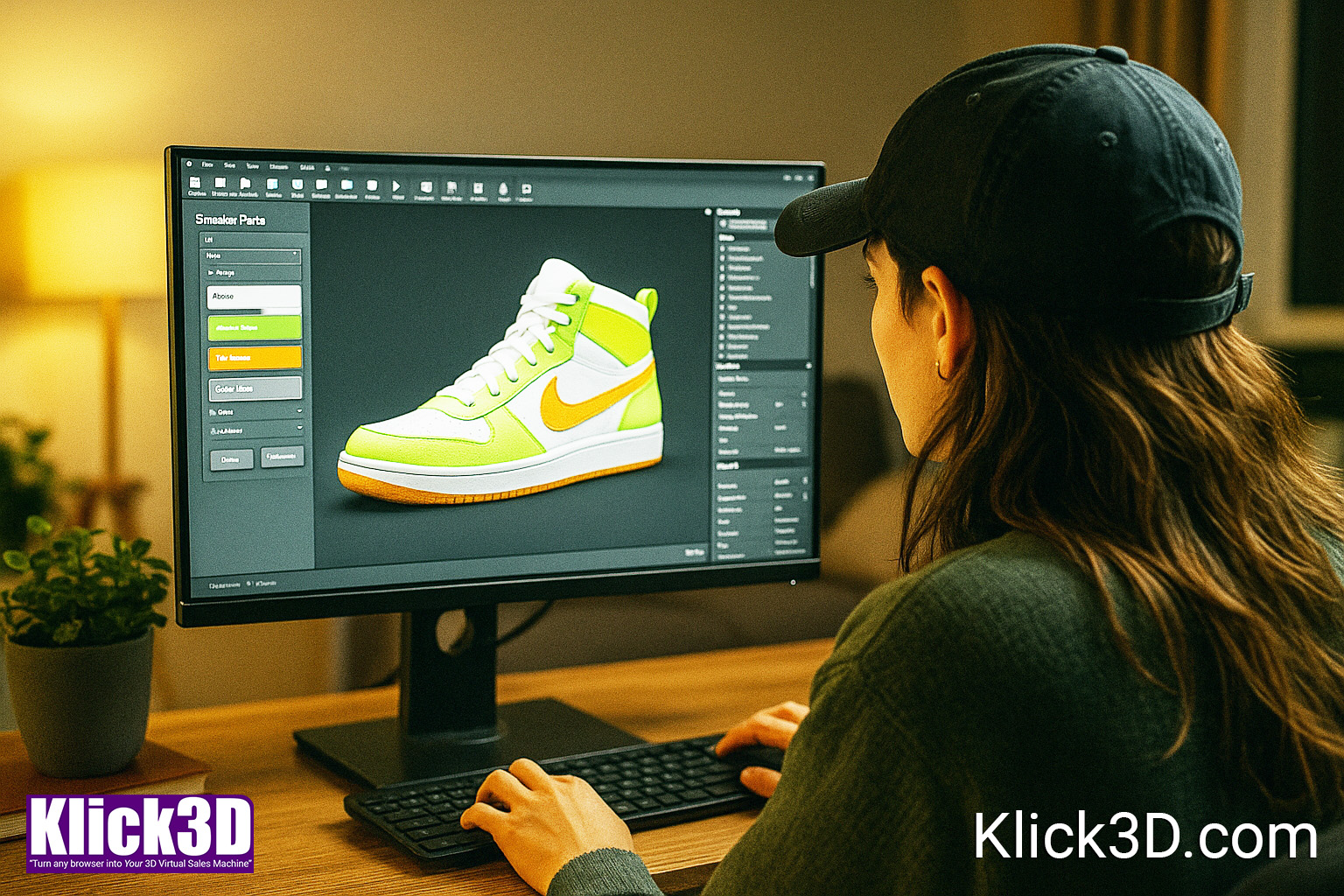
Use Case Category 2 — Product Visualization & Configurators
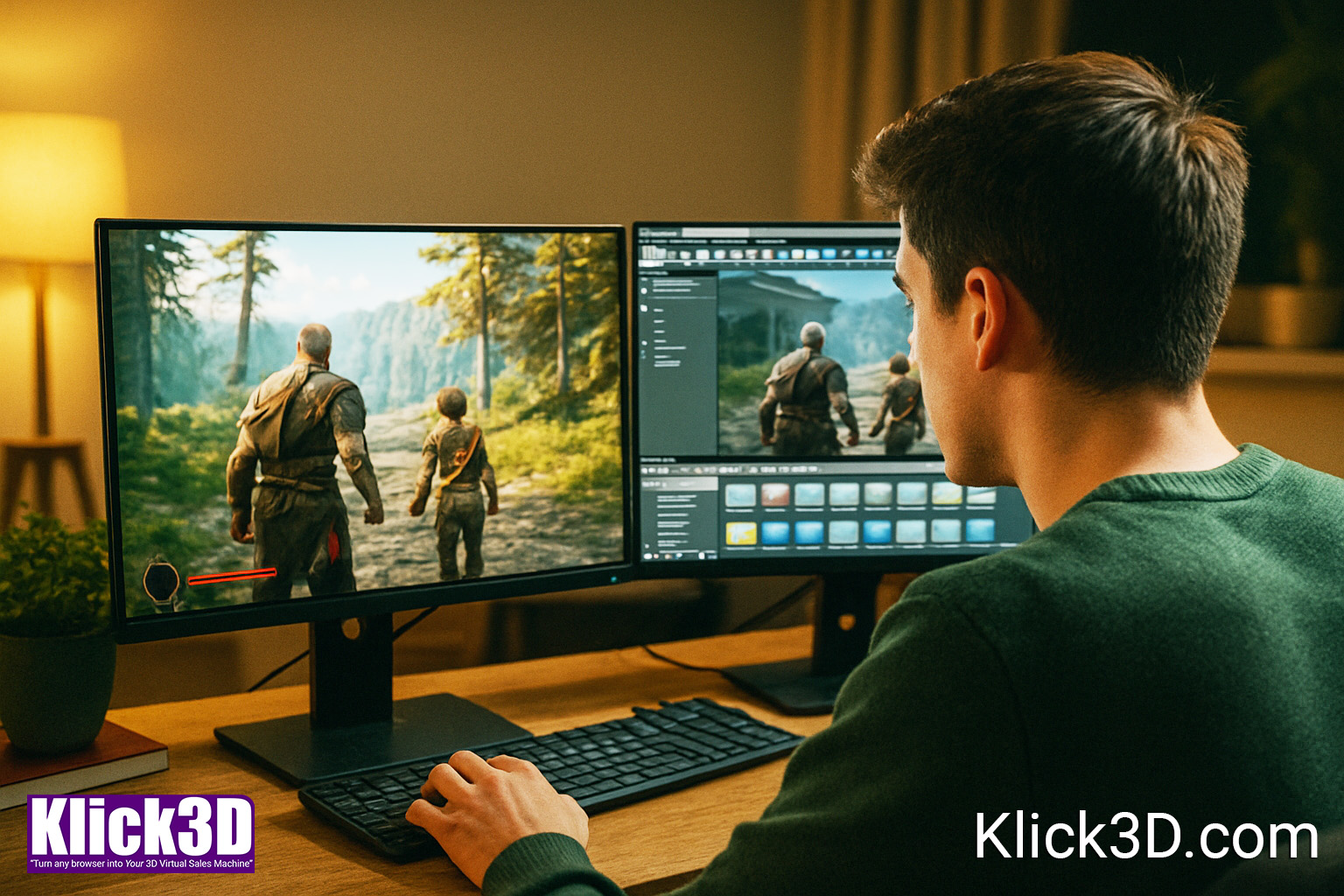
Use Case Category 3 — Gaming, Entertainment & Virtual Production
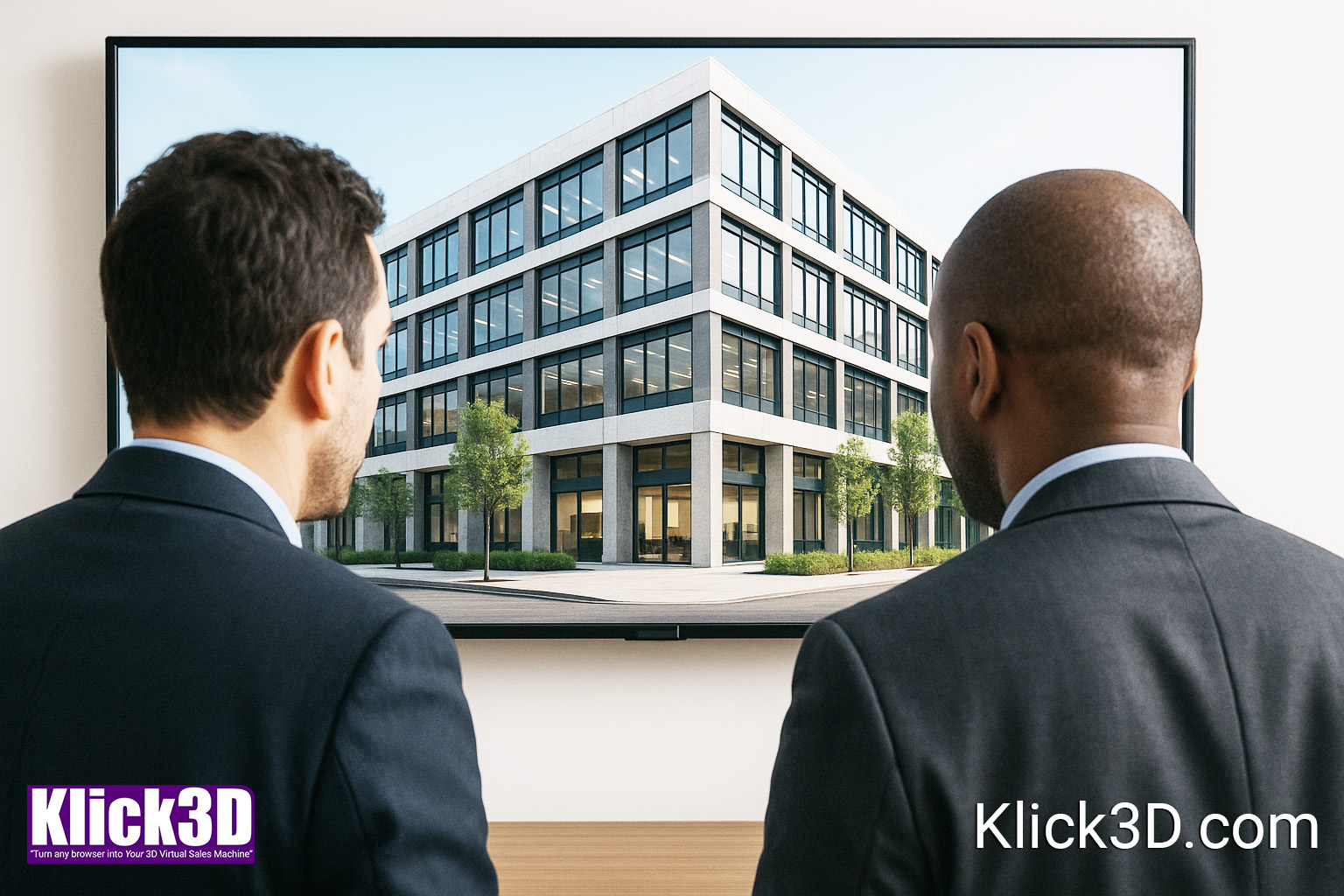
Use Case Category 4 — Corporate & Enterprise
Use Case Category 5 — Agencies & Creative Studios

FAQs
Why not just use AWS pixel streaming?
Because it requires GPU servers, TURN/STUN, load balancing, DevOps, traffic fees, and constant maintenance — costing €450–€3,500 per month before your client sees anything.
Then your client's computer needs the capacity to handle the output.
If you want to run your own GPU streaming server, absolutely do that — it’s a strong solution for studios who already have a DevOps pipeline.
Klick3D PRO is not trying to replace pixel-streaming or cloud GPUs.
We provide something different: A browser-ready build that runs on normal client computers without high-speed servers or streaming.
We’re not competing with AWS — we’re giving you an alternative for clients who don’t need 60fps perfect rendering, but do need direct access, minimal friction, and zero technical barriers.
You retain full ownership and full control of your Unreal Engine project.
Klick3D PRO is simply an additional output format — a browser-ready version optimised for client access.
We design our workflow so there’s zero friction:
- You keep developing normally
- We take your assets, CAD, photos, or UE files
- We build the browser version
Think of it as a ‘client delivery build’ — not a replacement for your pipeline.
Can I send you a finished UE5 project to convert?
Browser-based 3D requires a very different setup from high-end Unreal Engine 5 production.
Features such as Nanite, Lumen, Virtual Shadow Maps, heavy shaders, and RTX rendering do not run inside a browser environment.
That’s why we use our proprietary Klick3D Web Deployment Pipeline — a conversion and optimisation process developed over four years — to prepare your project for smooth delivery in any modern desktop or laptop browser.
What we actually do
A fully finished UE5 project cannot be pushed directly to the web, but it can be converted:
- We open your UE5 project.
- Replace Nanite meshes with standard meshes.
- Rebuild lighting for a baked, browser-friendly pipeline.
- Export and restructure static meshes, materials, and textures.
- Import everything into our Klick3D browser workflow.
- Rebuild lighting, reflection captures, skylights, and optimisation passes.
- Apply the full Klick3D optimisation software suite 'BOSS' for performance on integrated GPUs.
We work purely on the content you supply.
What you receive
A lightweight, fast-loading browser version of your environment:
- perfect for early sales
- ideal for remote client approvals
- instantly accessible without installation
- runs on standard hosting
- no GPU required
Your UE5 “hero” version remains untouched — once your client signs off, you continue your full Nanite/Lumen pipeline as normal.
Optional: Reduce Fees by Preparing Your Assets (“SHOW YOU”)
If you want to reduce conversion fees, we can provide a technical specification checklist so you can prepare your UE5 assets in advance.
This includes:
- how to export non-Nanite meshes
- lighting requirements
- material and texture guidelines
- performance budgets
- folder structure & naming conventions
If you follow the checklist before sending us the project, the work required on our side is reduced — and so is your invoice.
Do I lose control of my pipeline?
No. We just give you more options.
You can:
- Let us build the first version (For You)
- Provide your UE assets for us to assemble (With You)
- Continue development yourself after approval
What if my scene is large?
Anything beyond the included maximum size (500m by 500m) becomes Custom Quote because it enters Masterplan territory.
What are the realities of running my own cloud server Vs Klick3D?
A. INITIAL SETUP COSTS (One-off)
1. GPU Server (AWS/GCP/Azure)
You need one GPU instance per simultaneous user.
Typical is:
- AWS G4dn.xlarge (NVIDIA T4 GPU)
- €0.50–€0.80 per hour
- €360–€600 per month per server if left running
Setup Time:
4–12 hours (if DevOps engineer knows WebRTC + pixel streaming)
Upfront Cost:
€500–€2,000 (DevOps labour)
2. TURN/STUN Server
Needed to penetrate corporate firewalls / NAT environments.
- Coturn on cheap VPS: €8–€20/month
- Setup: 1–3 hours
- Hardest part: security and rate limiting
3. Signalling Server
Required for WebRTC handshake.
- Setup time: 6–12 hours
- Hosting: €20–€60/month
- Maintenance: medium
4. Load Balancer
Needed for multiple concurrent users or traffic spikes.
- AWS ELB: €18–€90/month
- Setup: 2–6 hours
5. DevOps Scripts + Architecture Setup
This includes:
- Autoscaling
- Deploying containers
- Certificates (SSL)
- Session timeouts
- Logging
- Deployment pipelines
Setup time:
20–50 hours (minimum)
Cost:
€1,500–€4,500 (freelance DevOps engineer)
6. NAT Traversal, WebRTC Optimisation, Debugging
This is the black magic.
Most UE studios don’t have this knowledge.
Time: 10–30 hours
Cost: €600–€2,000
Total Setup (Realistic)
Time: 40–120 hours
Cost: €2,500 – €9,000+
Before you can stream a single frame.
B. MONTHLY RUNNING COSTS
1. GPU instances
If running 24/7:
- €360–€600 / month per user slot
If running only during demos: - €80–€200 / month (but this requires manual or automated scheduling)
2. TURN server
- €8–€20/month
3. Signalling server
- €20–€60/month
4. Load balancer
- €20–€80/month
5. Traffic egress fees (the silent killer)
Pixel streaming uses ~10–25 Mbps per user.
At AWS/GCP rates:
- €0.07–€0.12 per GB
- Typical per user session: 3–12 GB
- One client walkthrough = €0.30–€1.20 in traffic
- 50 sessions per month = €15–€60
- 300 sessions/month = €90–€350
6. Monitoring, maintenance, security
If done in-house:
- 10–20 hours per month
If outsourced: - €300–€600/month
C. Total Monthly Cost (Realistic)
Low usage (single GPU, low volume): €150–€350/month
Medium usage (multiple clients): €400–€900/month
Heavy usage (during large projects): €1,000–€3,000+ per month
Let’s Turn Your Unreal Engine Scenes Into Instant 3D Browser Experiences
Your studio already creates incredible work.
Klick3D makes it accessible, shareable, and interactive in seconds.
Interested? Ask me for more information



Klick3D — Browser-Based Unreal Engine Delivery for Studios Worldwide.


